Creating Your Account and Onboarding
Creating Your acemate Account and First Setup
Last updated 4 months ago
In a few minutes you can create your account, answer some simple questions, and let acemate personalize your experience.
Step 1: Sign up
Go to the acemate signup page.
Select
I am a studentChoose your login method (email + password, or your institution if available).
Enter the OTP your received in your E-mail receive an OTP. Your account is activated. 🎉
Step 2: Basic Information
During onboarding you’ll see a short form. Each question has a purpose:
First Name: Used to address you personally and manage your account.
Username: Choose your unique username
University: Helps acemate understand your context, so future features and examples fit your area of study.
How you discovered acemate: Tells us where students heard about acemate, so we can improve the product.
Step 3: First course and materials
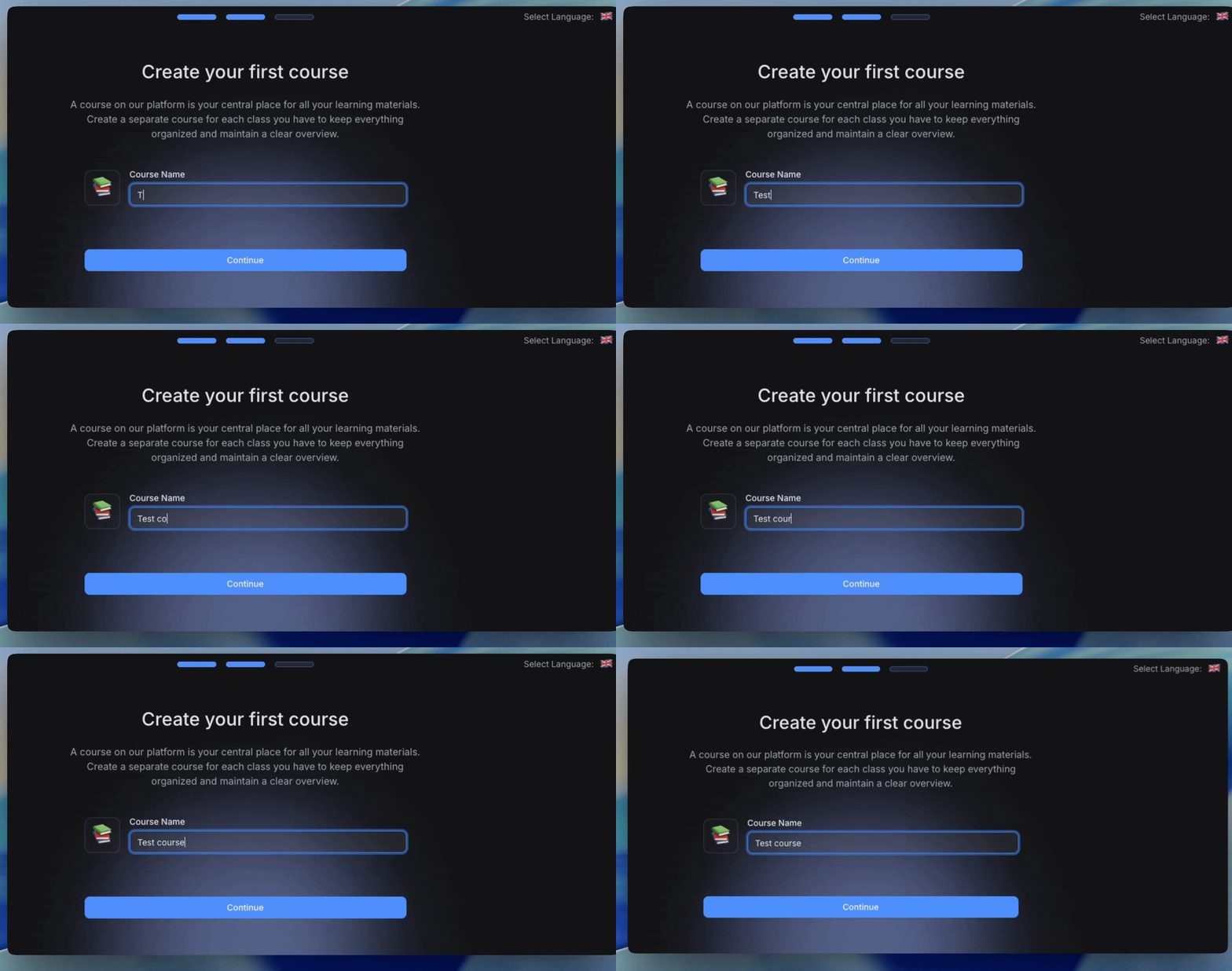
At the last step of onboarding, you will be prompted to name your first
Private CourseTo make acemate useful from day one, upload at least one lecture PDF right away. See @Uploading Documents.
Changing your info later
You can update your language, some profile details, and subscription in Account Overview
Related articles
@Understanding Private Courses vs Classrooms
@Language and Localization